





Choicer Voice Studio
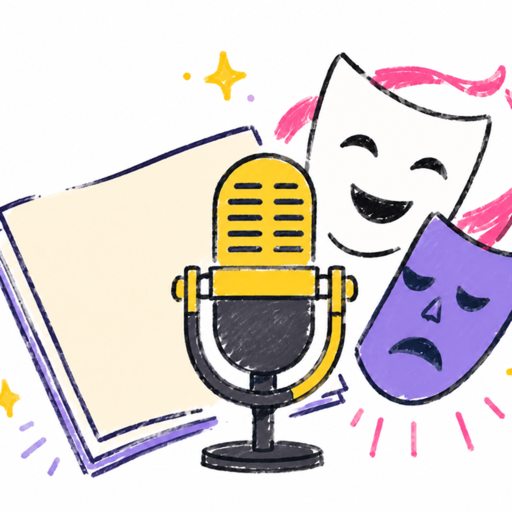
Choicer Voice Studio is a creative mobile platform designed for voice actors, content creators, and hobbyists looking to dub their favorite scenes or create unique audio projects. By providing a suite of tools for audio editing, character assignment, and multi-user collaboration, it transforms your device into a professional-grade dubbing studio. Whether you are working solo on a creative project or syncing up with friends to dub a scene together, Choicer Voice Studio offers a streamlined, user-friendly environment to bring your voice acting performances to life.
📌 Core Features
- Collaboration Rooms: Create private rooms to dub scenes with friends, assigning roles and syncing progress in real-time. 👥
- Pack Maker Tool: Build your own custom voice packs with a full timeline editor, allowing you to set captions, manage character tracks, and split or replace dialogue clips. 🛠️
- Local Vocal Separation: Utilize downloadable local models to isolate vocal tracks from background audio directly on your device. 🔊
- Precise Waveform Editing: Record and re-record lines with overlapping waveforms to ensure your timing perfectly matches the original video. 🌊
- Flexible Export Options: Preview your finished work with adjustable volume levels for background and vocals, and export your final masterpiece with or without subtitles. 🎥
👍 Pros
- Privacy-Focused: Solo recordings and imported project files are stored locally on your device, keeping your creative work secure. 🔐
- Collaborative Fun: The room code/link sharing feature makes it incredibly easy to coordinate group projects with friends remotely. 🌐
- Comprehensive Editor: The Pack Maker offers professional-level control, including undo/redo functions and automatic draft saving. ✍️
- Offline-First Approach: Many core editing features do not require constant internet connectivity, allowing for portable voice acting practice. 🔋
👎 Cons
- Subscription Requirements: Essential features like high-quality video exporting are locked behind the "Studio Pro" paywall. 💳
- Device Requirements: Each participant must own the same voice pack and original source media, which may be a barrier for group sessions. 🧩
- Learning Curve: The depth of the Pack Maker interface might be overwhelming for casual users who just want to do a quick dub. 📈
- Storage Management: Since all assets are stored locally, users with limited device storage may run into issues with large video and audio packs. 💾
💵 Price
The app is free to download and use with basic functionality. Advanced features, specifically video export, require a Studio Pro subscription. 💰
🕸️ Community